
In our increasingly digital world, virtual numbers have become a practical solution for various business and personal needs. After activation, it's important to ensure that your virtual number is functioning properly and ready for use. This article will help you understand effective ways to check your virtual number after activation.
Virtual numbers offer flexibility and privacy that conventional phone numbers cannot provide. Whether for social media account verification, receiving SMS OTPs, or as a business contact number, ensuring your virtual number works properly after activation is a crucial step to avoid future problems.
What is a Virtual Number?
A virtual number is a phone number that isn't tied to a specific physical device but operates through the internet or an application. This number can be used to receive calls and text messages without requiring a physical SIM card. In the context of online business, virtual numbers are extremely useful for account verification, maintaining privacy, and managing customer communication without revealing your personal number.
Why is Checking Your Virtual Number After Activation So Important?
After activation, checking your virtual number is crucial to ensure everything is functioning properly. This helps prevent issues such as not receiving verification codes, losing access to important accounts, or failing to receive important messages. In online business, every minute of downtime can impact productivity and customer trust. By verifying your virtual number immediately after activation, you can ensure all systems run smoothly without disruptions to your business operations.
7 Ways to Check Your Virtual Number After Activation
Here are 7 effective ways to check your virtual number after activation:
- Using the Automatic Verification Feature
Trusted SMM service platforms like Nexus SMM provide an automatic verification feature that allows you to quickly check if your virtual number can receive messages. This feature is very useful for ensuring your number is active and ready for use. - Sending a Test Message
Send a text message to your virtual number from another device. If the message is successfully received, it indicates that your virtual number is functioning properly. This is a simple yet effective method to verify your virtual number's functionality. - Receiving and Verifying OTP Codes
Try logging into one of your social media accounts using your virtual number and request an OTP code. If the code is successfully received, it indicates that your virtual number is working well for account verification purposes. - Testing Incoming Calls
If your service supports calls, try making a call to your virtual number. If the call successfully connects, it indicates that your virtual number can receive calls properly. - Using the Management Dashboard
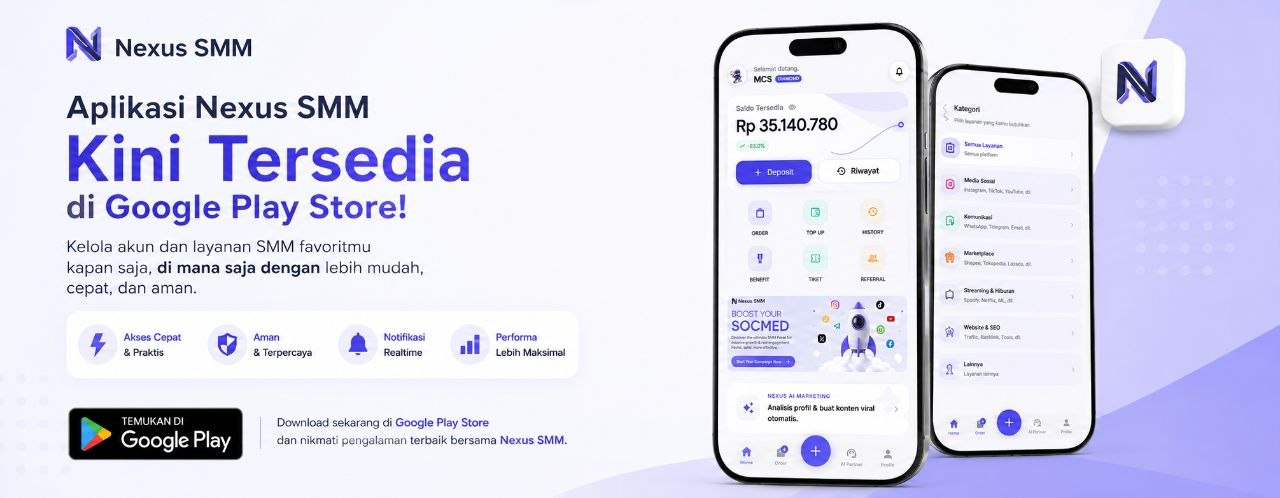
SMM service platforms like Nexus SMM provide a management dashboard that allows you to monitor your virtual number's status. In the dashboard, you can view message history, activation status, and other important information about your virtual number. - Checking Message History
Open your virtual number's message panel and check if there is any recorded message history. If there is message history, it indicates that your virtual number is working and can receive messages. - Connecting to Social Media Accounts
Try connecting your virtual number to your social media accounts and verify if the process goes smoothly. If successful, it indicates that your virtual number is compatible with the social media platforms you use.
Steps to Check Your Virtual Number on Nexus SMM
Nexus SMM, as the best SMM platform in Indonesia, provides an easy way to check your virtual number after activation. Here are the steps:
- Login to your Nexus SMM account
- Select the "Virtual Number" menu in the dashboard
- Select the virtual number you want to check
- Click the "Verify" button to start the checking process
- Wait until the system displays the verification results
- If there are issues, follow the system's instructions to fix them
By using Nexus SMM services, you can easily check your virtual number and ensure everything is working properly. This platform offers various features to facilitate your virtual number management, including automatic verification and real-time monitoring.
Practical Tips for Using Virtual Numbers Optimally
To ensure you're using virtual numbers optimally, consider the following tips:
- Always Check Your Virtual Number Before Using It
Before using a virtual number for important account verification, always check first if the number is working properly. This will prevent problems later on. - Use Different Virtual Numbers for Each Account
For security and privacy, use different virtual numbers for each social media account or online service you use. This will reduce the risk if one number encounters issues. - Monitor History and Notifications
Always monitor the history and notifications from your virtual number. If there is suspicious activity, immediately contact the service provider to check and address the issue. - Use Trusted Platforms
Choose trusted SMM service platforms like Nexus SMM to get quality virtual numbers. These platforms guarantee security and optimal service quality for your business needs.
By implementing the tips above, you can ensure that your virtual numbers work properly and provide maximum benefits for your online business. Nexus SMM, as the best SMM platform in Indonesia, provides various features to facilitate your virtual number management and ensure everything runs smoothly.
FAQ
- Can all virtual numbers be used for social media account verification? Not all virtual numbers are compatible with all social media platforms. Make sure you use a virtual number that is supported by the platform you're using.
- What if my virtual number cannot receive messages? If your virtual number cannot receive messages, try checking your internet connection or contact the virtual number provider's customer service for further assistance.
- How long does it take to verify a virtual number? Verification time varies depending on the platform and service you use. Typically, the verification process takes anywhere from a few minutes to one hour.
- Do I need to pay additional fees to check my virtual number? It depends on the service you use. Some providers offer free verification, while others may charge additional fees. Nexus SMM provides verification features at no extra cost for its customers.
Virtual numbers are an important tool in today's digital world, especially for online businesses. By checking your virtual number after activation, you can ensure everything is working properly and there are no issues that could disrupt your business operations. Nexus SMM, as the best SMM platform in Indonesia, provides various features to facilitate your virtual number management and ensure everything runs smoothly.
If you're looking for quality virtual number services with easy verification features, check out all the affordable SMM services at Nexus SMM. With various virtual number options available and automatic verification features, Nexus SMM is the best solution for your online business needs. Sign up for free and start ordering at Nexus SMM now to take advantage of quality services at affordable prices.