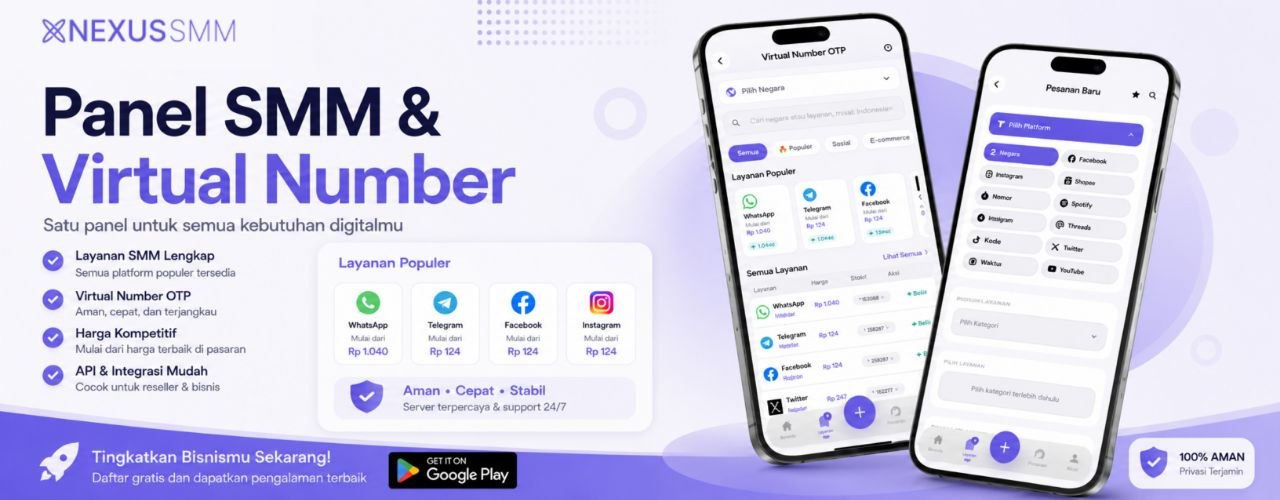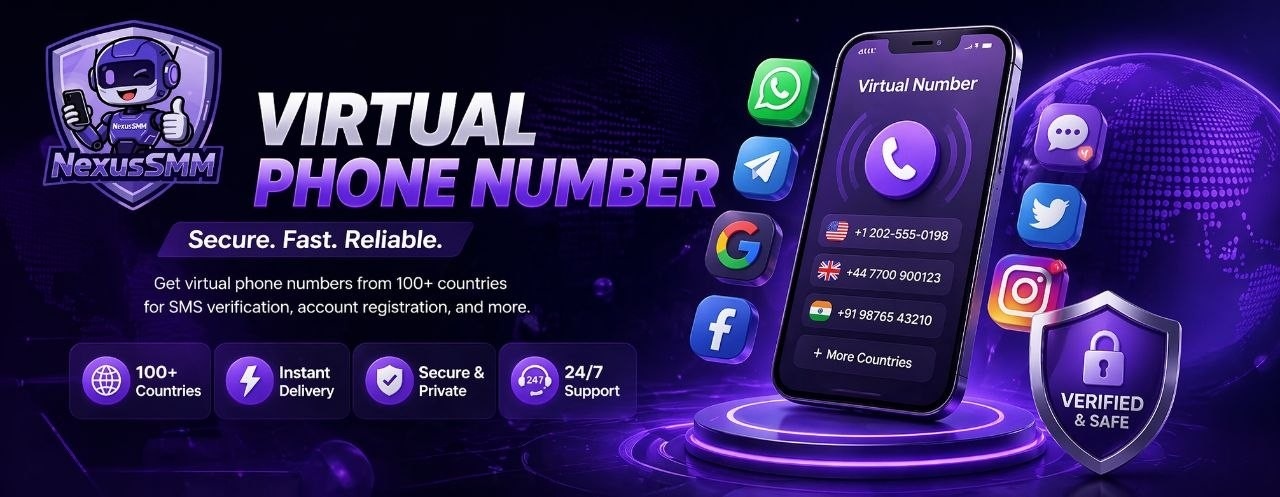
Want to create a WhatsApp, Telegram, Instagram, or other platform account without using your personal number? NexusSMM is now here with a Virtual Number or Nokos service that you can order directly from the app! The process is super easy and can be completed in minutes. Follow these steps!
Step #1 — Make Sure Your Balance is Sufficient. Before ordering a Nokos, make sure your account balance in NexusSMM is filled. You can check your balance on the main page of the application. If it's not enough, make a deposit first through the Deposit menu available in the bottom navbar of the application. NexusSMM supports various popular payment methods such as Dana, OVO, GoPay, ShopeePay, Bank Transfer, and QRIS — choose the one that is easiest and most convenient for you.
Step #2 — Open the Order Menu. Once the balance is ready, tap the Order menu in the bottom navbar of the NexusSMM application — the shopping bag icon in the middle of the navbar. This is where you can find all available services, including the newly launched Virtual Number or Nokos service.
Step #3 — Search for Virtual Number / Nokos Service. On the Order page, use the search column and type the keywords "Virtual Number", "Nokos", or "Empty Number". You can also scroll to the available service categories and find the Virtual Number category. Choose the service according to the platform you want to verify — options are available for WhatsApp, Telegram, Instagram, and various other platforms.
Step #4 — Choose the Country and Platform Needed. After selecting the service, determine the country code of the number you need. Choose a country that is compatible with your destination platform — for Indonesian platforms like WhatsApp, Indonesian or Southeast Asian numbers are usually the most optimal. Also, pay attention to the service description to ensure that the number is compatible with the platform you want to verify.
Step #5 — Enter the Quantity and Confirm Order. Enter the number of numbers you want to buy, then tap the Order Now button. The system will process your order automatically and the virtual number will appear directly on the order detail page in seconds. Copy the number and use it on your destination platform for the verification process.
Step #6 — Receive the OTP Code and Finish. Enter the virtual number you got into the verification column of the destination platform, then return to the order page in NexusSMM to see the incoming OTP code. Copy the OTP code, enter it on the destination platform, and your new account is immediately active! The entire process from buying the number to activating the account usually only takes less than 3 minutes.
💡 Important Tips when Ordering Nokos on NexusSMM. Don't delay too long after getting the number — use it immediately because Nokos has a limited active period. If the OTP code doesn't arrive within a few minutes, try tapping "Resend Code" on the destination platform. Always save the credentials of the new account you create because virtual numbers are for one-time use and cannot be used to log in again later.
It's very easy, right? With profits that continue to grow as seen in the Profit Detail feature of NexusSMM, the more services you can take advantage of — including Nokos, which is now here to complete all your digital needs. Come on, try ordering your first Nokos on NexusSMM now! 🚀
NexusSMM — Smart Solution for Your Social Media Business 🌟