All Your Transactions Are Neatly Recorded!
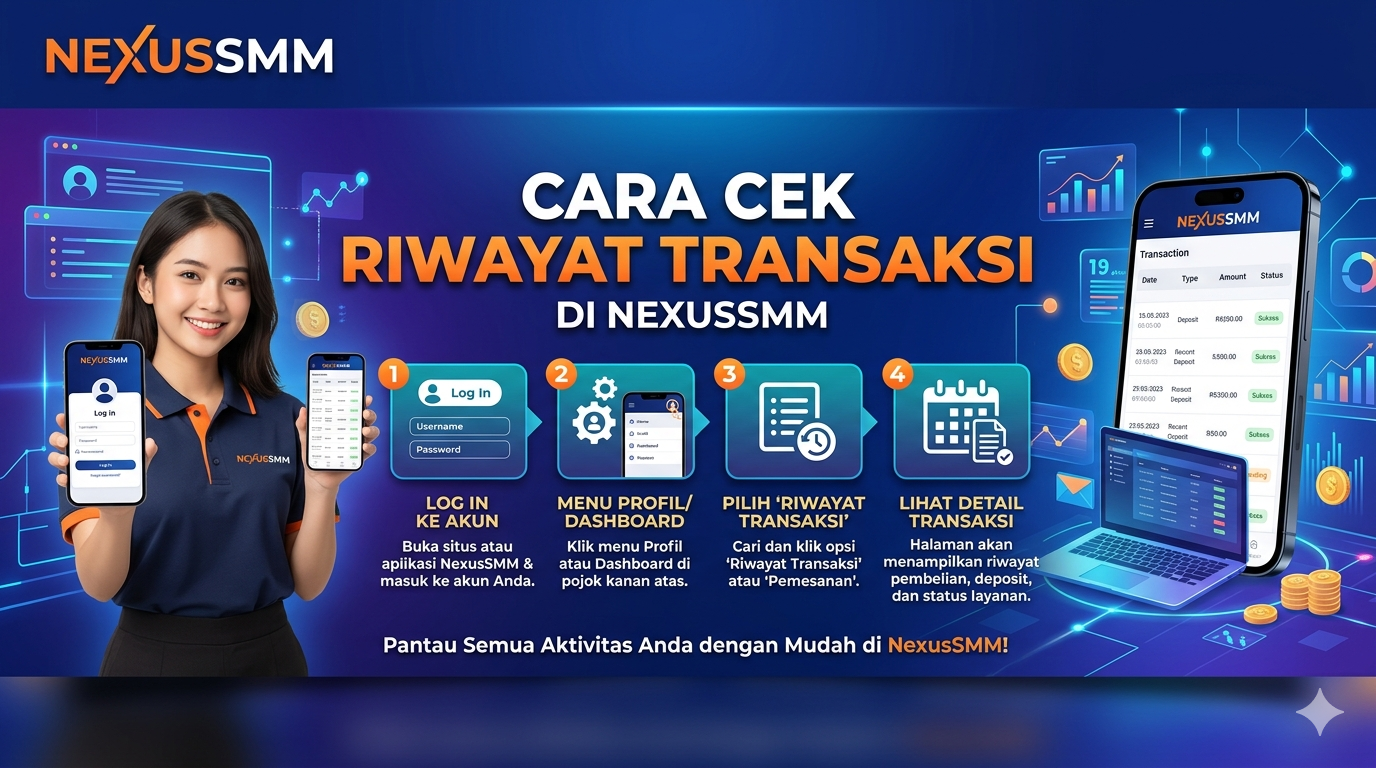
NexusSMM automatically saves your entire transaction history — from balance deposits, service orders, to refunds. You can monitor all your account's financial activities anytime and anywhere!
How to Check Deposit History
-
Open the NexusSMM app and log in
-
Go to the Deposit menu
-
Scroll down to view Deposit History
-
All deposit transactions are displayed with complete details:
-
📅 Transaction date & time
-
💰 Deposit amount
-
💳 Payment method
-
✅ Transaction status
-
How to Check Order History
-
Go to the Order menu
-
Select the History tab
-
All orders are displayed with complete details:
-
🆔 Order ID
-
📦 Service name
-
🔗 Target link
-
📊 Quantity
-
💰 Price
-
⏱️ Order status
-
Filter & Transaction Search
Use the filter feature to find specific transactions:
-
📅 Date filter — select a specific time range
-
🔍 Search by ID — enter the order/transaction ID
-
📌 Status filter — Completed, Pending, Cancelled
Benefits of Monitoring Transaction History
-
📊 Expense analysis — know how much you've spent
-
🔍 Track problematic orders — find the order ID for warranty claims
-
💼 Financial reports — recap for business purposes
-
🛡️ Detect suspicious activity — keep your account secure
NexusSMM — Smart Solutions for Your Social Media Business 🌟
💸 How to Withdraw & Refund Balance in NexusSMM
Your Balance Can Be Refunded!
NexusSMM has a transparent and fair system — unused balance or funds from failed orders can be refunded according to the applicable terms and conditions.
Automatic Refund (Cancelled/Partial Orders)
If your order status is Cancelled or Partial, the balance will be refunded automatically to your account:
-
❌ Cancelled — 100% balance is fully refunded
-
⚠️ Partial — Remaining unprocessed balance is automatically refunded
-
Refund occurs within minutes after the status changes ✅
Manual Refund (Claim via Ticket)
For special cases that require manual handling:
-
Open the Ticket menu in the app
-
Click "Create New Ticket"
-
Select the "Refund" category
-
Enter the Order ID that has issues
-
Explain the reason for the refund & attach evidence/screenshots
-
Submit the ticket and wait for admin response
-
Once approved, the balance will be credited to your account directly ✅
Refund Terms & Conditions
-
✅ Refunds are only applicable for orders that are proven not to have been executed
-
✅ Must be submitted within the specified time limit
-
❌ Not applicable if the order has already been Completed
-
❌ Not applicable if the failure was caused by user error (wrong link, private account, etc.)
Using Refund Balance
Refunded balance will be credited to your main account balance and can be immediately used to order other services. The balance in NexusSMM cannot be withdrawn to a bank account — it is exclusively used for purchasing services on the platform. 💡
NexusSMM — Smart Solutions for Your Social Media Business 🌟