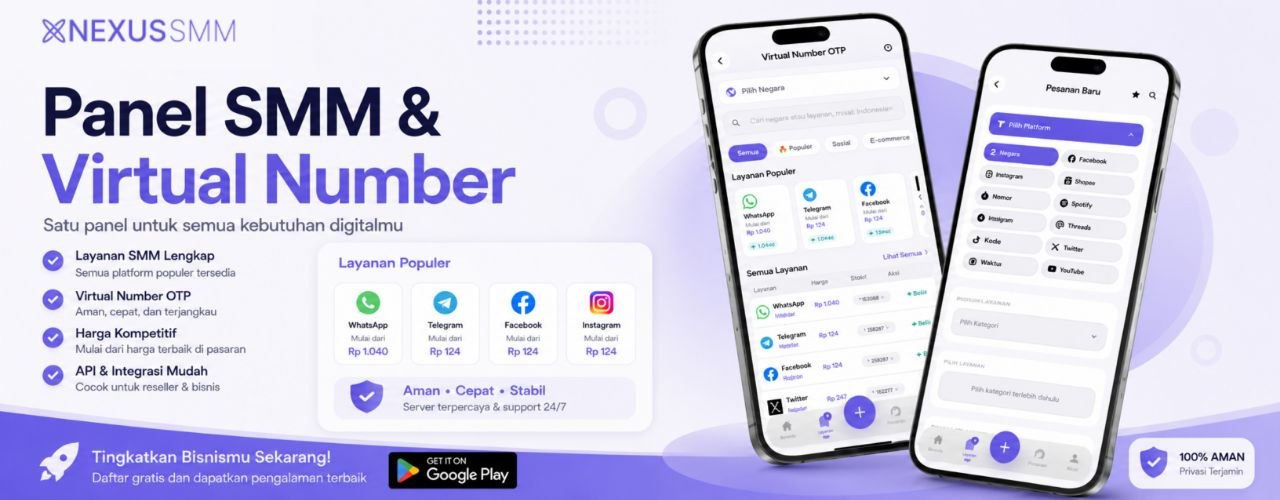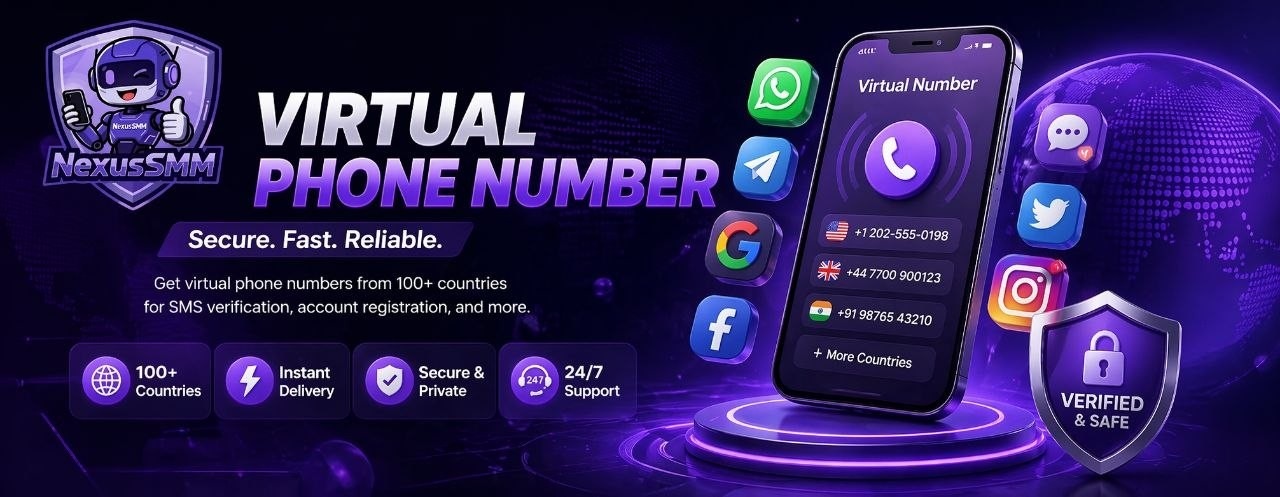
Verifying social media accounts using a virtual number is one of the smartest ways to maintain privacy while also simplifying the management of multiple accounts. The process is much easier than you might imagine — and with NexusSMM's Virtual Number service, everything can be done in minutes without any technical hassle.
Step #1 — Open the NexusSMM App or Website. Log in to your account on NexusSMM via the mobile app or official website. Make sure your account balance is sufficient to purchase a virtual number. If not, make a deposit first using your favorite payment method — Dana, OVO, GoPay, Bank Transfer, or QRIS.
Step #2 — Choose the Virtual Number Service. Go to the service menu and find the Virtual Number category. Select the country of origin for the number you need — various country options are available to suit the needs of the platform you want to verify. Some platforms require numbers from specific countries, so make sure you choose the right one.
Step #3 — Choose the Platform to be Verified. Determine which platform will use the virtual number — WhatsApp, Telegram, Instagram, Facebook, Twitter, TikTok, Gmail, or other platforms. Each platform may require a different type of number, and NexusSMM will display the most compatible options for you.
Step #4 — Buy and Use the Number. Once you've made your selection, make the purchase and the virtual number will appear directly on the screen. Copy the number and enter it into the verification field on the platform you want to register. The OTP code will be sent to the virtual number and you can view it directly on the NexusSMM page in seconds.
Step #5 — Enter the OTP Code and Finish. Copy the OTP code that appears, enter it into the target platform, and the verification process is complete! Your new account is active and ready to use without using your personal mobile number at all. Keep a record of the account in a safe place for future use.
Important Tips when Using Virtual Numbers. Note that each virtual number usually has a limited validity period — ranging from a few minutes to several hours depending on the type of service chosen. Use the number immediately after purchase and do not delay too long. If the OTP does not arrive within a few minutes, try requesting the code again from the target platform. And always store the credentials of the newly created account in a safe place because virtual numbers are disposable.
NexusSMM — Smart Solutions for Your Social Media Business 🌟